
Helix Boot
A multiboot rescue USB that builds itself from upstream sources.
Current tools, verified downloads, a boot menu you can theme, and room for your own licensed software. Recovery, diagnostics and repair on one stick.
Download v0.7.7Source on GitHubDocumentation
Released October 8, 2026.
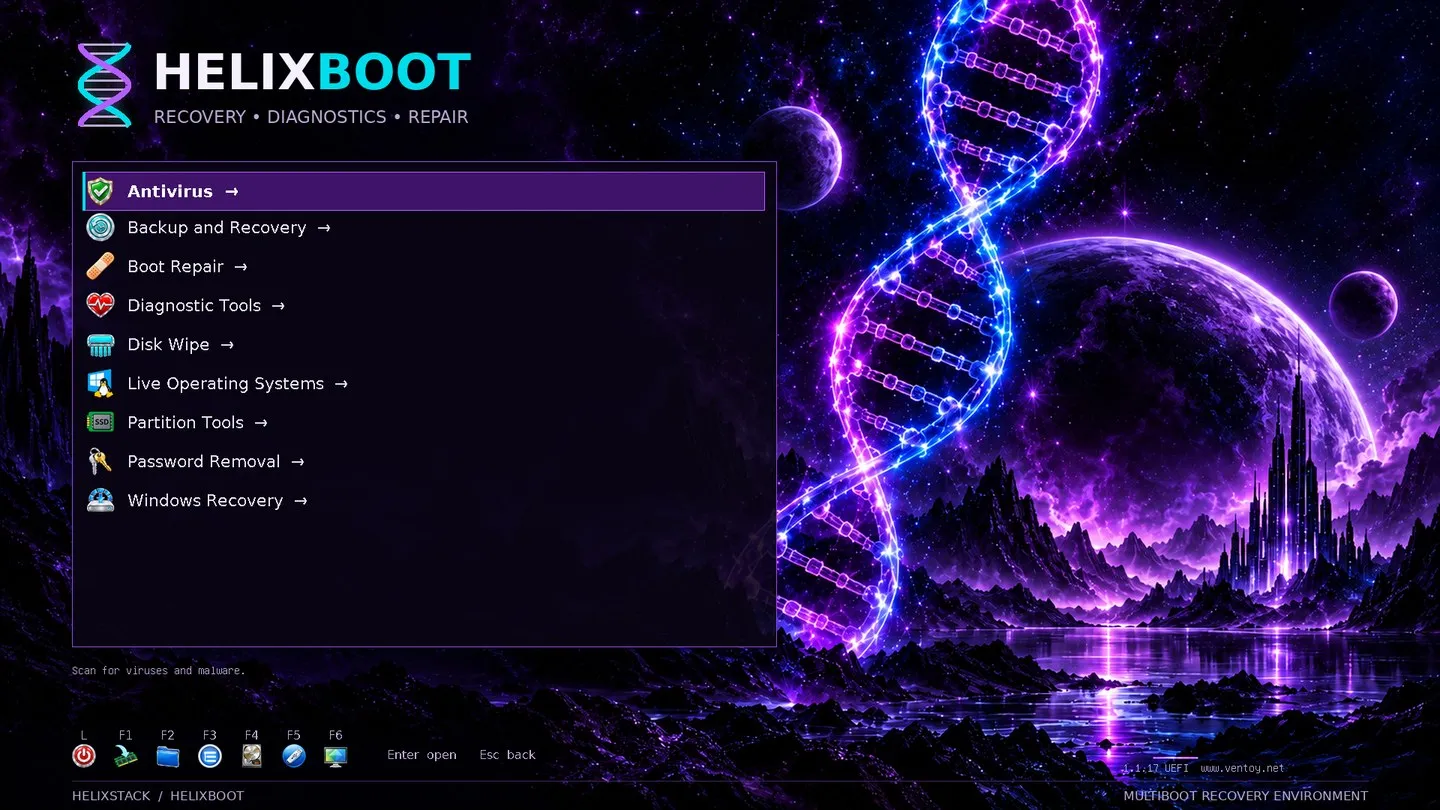
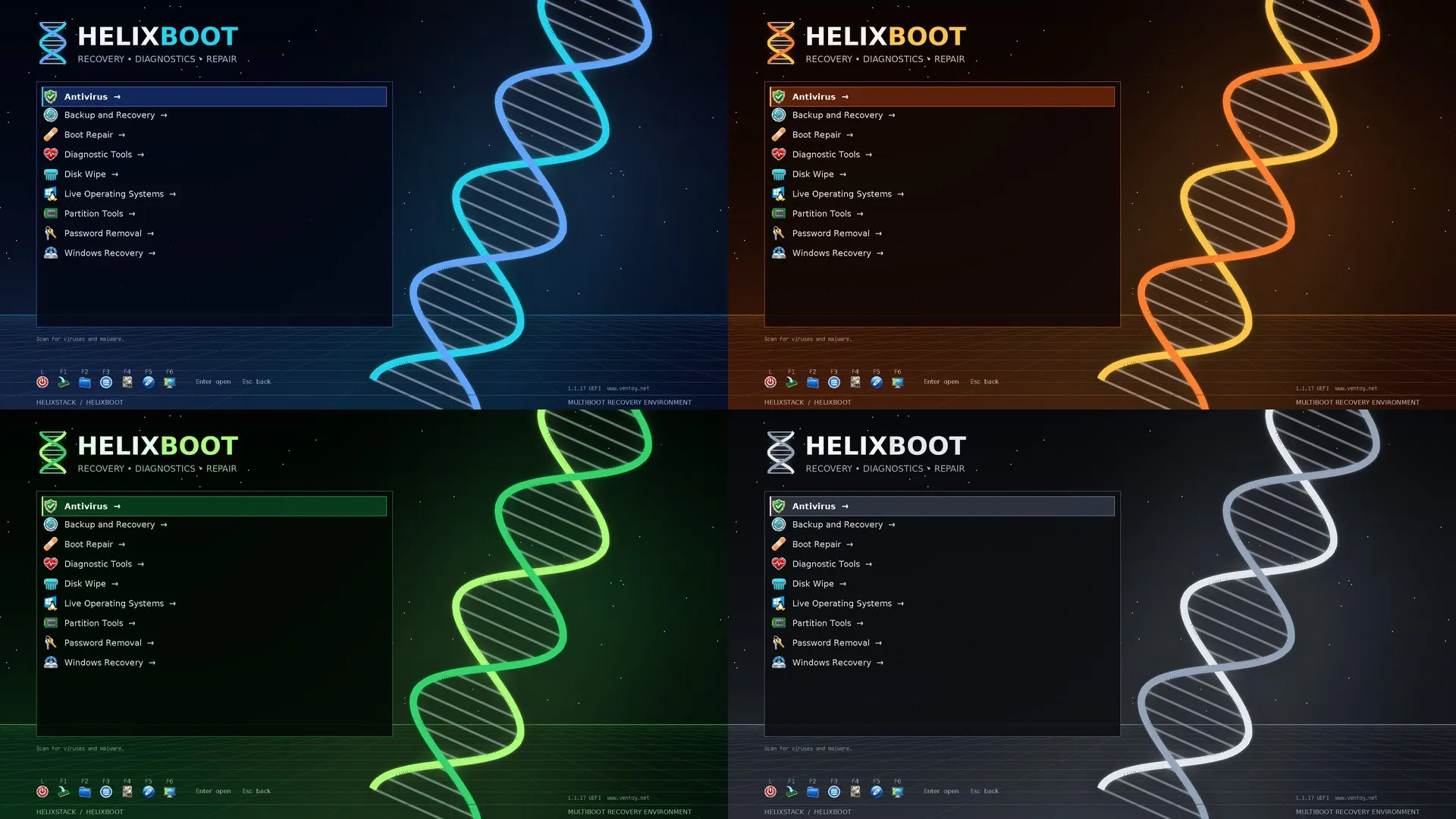
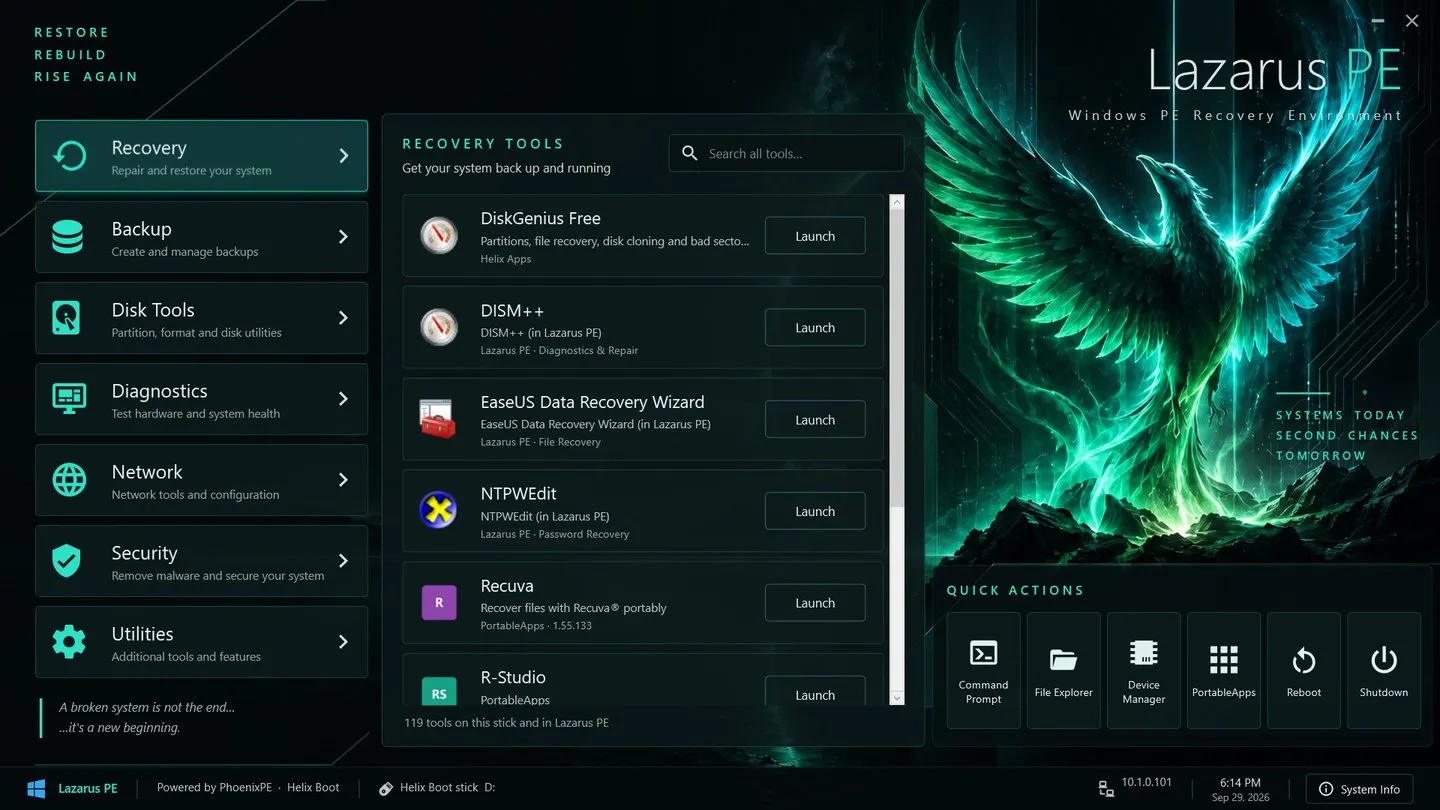
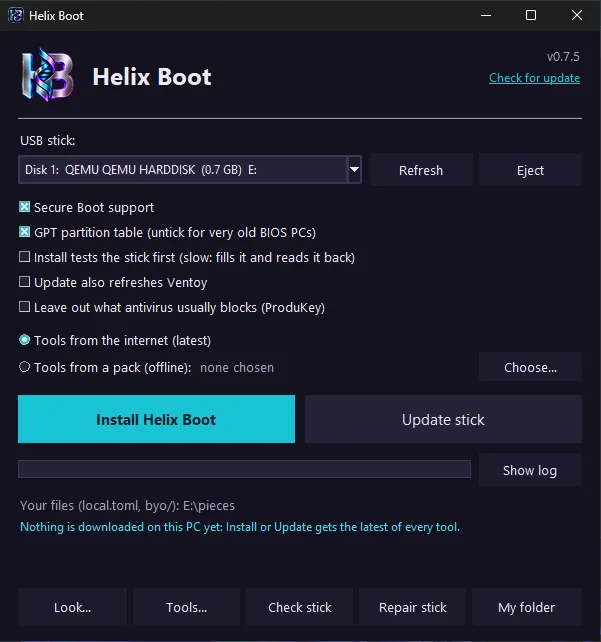
What it does
- Always current: every tool resolves to its latest upstream release each time you refresh.
- Verified: downloads are checked against the publisher’s checksum or GitHub’s digest, and anything without one is refused unless you trust it explicitly.
- Free tools by default, with slots for paid tools you bring yourself. Nothing is redistributed.
- Refresh updates the stick in place and keeps files you added; check reads it back for damaged files.
- Seven boot-menu themes, icon styles and your own background and splash, previewed before they are written.
- Offline packs: the whole stick in one zip that builds a new stick with no internet.
- Lazarus PE: your own Windows 11 PE with a full-screen tool launcher.
- Only USB disks are offered, and the device is checked again before each write.
Install
Download
From the latest release: HelixBoot.exe for Windows, HelixBoot-linux-x86_64 or HelixBoot.sh for Linux, or HelixBoot-mac-arm64 and HelixBoot-mac-x86_64 to update a stick on macOS.
chmod +x HelixBoot.sh && ./HelixBoot.shFrom a clone
Needs Python 3.11.4 or later and sudo.
git clone https://github.com/Commanderx-code/helix-boot
cd helix-boot
./install.sh      # download and verify, pick a stick, type its name to confirm
./refresh.sh      # later: update the stick in place
./check.sh # read the stick back: any damaged files?Requirements
Builds sticks on Windows and Linux; macOS can update an existing stick. Built on Ventoy, PhoenixPE and PortableApps.com.
MIT license.